
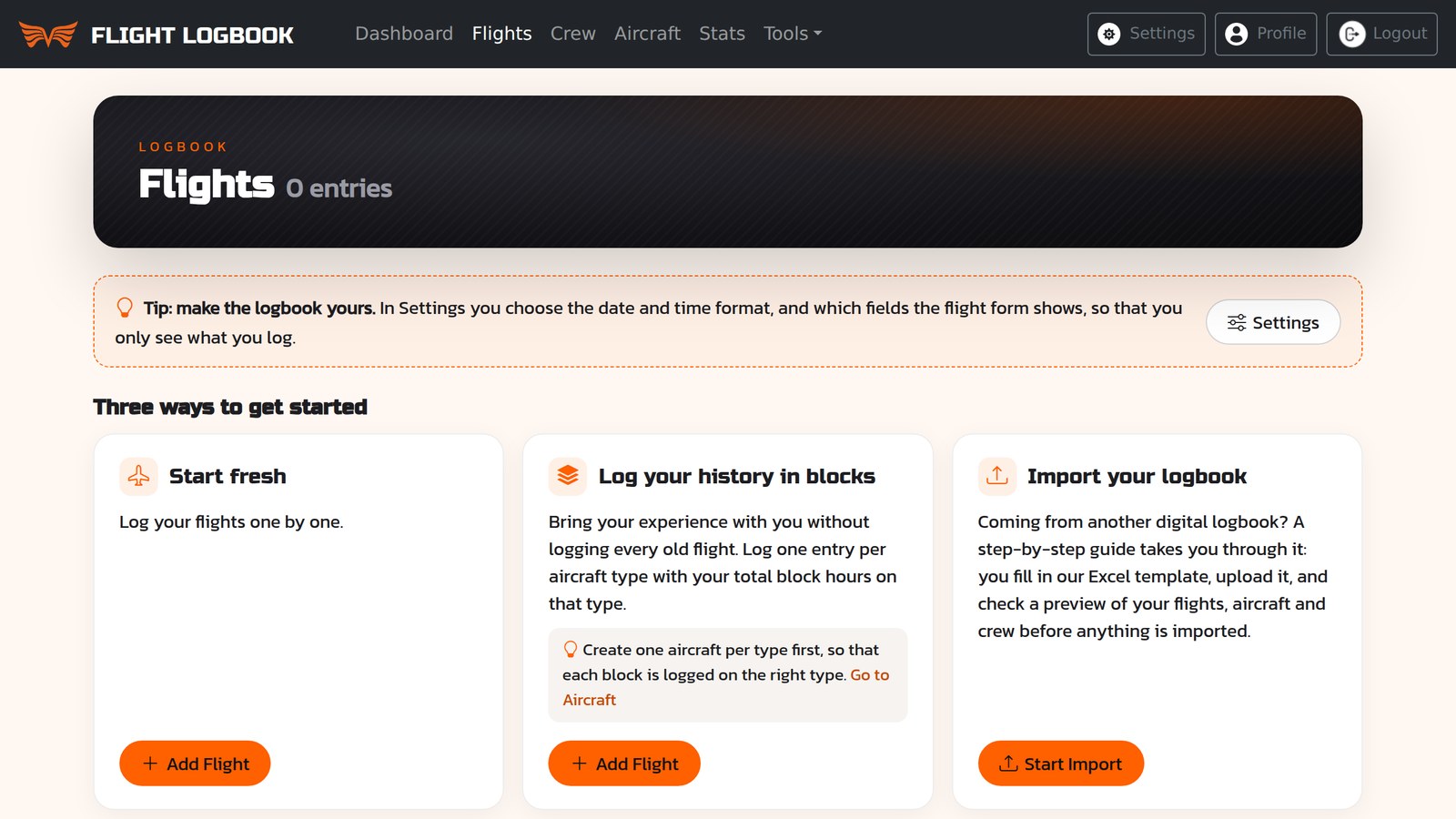
Whether you have a hundred hours in a paper logbook or ten thousand in an old spreadsheet, your history belongs in your logbook. It is what an interviewer looks at, what your milestones are counted from, and what tells you how far you have come. Here are the three ways to bring it along, and how to choose between them.
1. Start fresh
The simplest way is to start with your next flight and log every flight one by one from there. Your digital logbook begins on the day you switch, and your old logbook remains the record of everything before it.
This suits you if you are early in your flying, if only recent flights matter to you, or if you simply want to get going today and decide about your history later. Nothing stops you from adding it afterwards.
The drawback is that your totals only count from the day you start. Total time, statistics and milestones show the new logbook, not your career.
2. Log your history in blocks
If you want the right totals from day one but do not need every old flight, log your history in blocks: one entry per aircraft type, carrying your total hours on that type.
Before you start, add one aircraft for each type you have flown. A block is logged on an aircraft, and the aircraft is what tells Flight Logbook the type, the category and the class. With one aircraft per type, each block lands where it belongs, and your statistics by type, category and engine add up.
A few tips that save you trouble later:
- Date each block in the past, for example on the last day you flew the type. Time limits and currencies look at recent flying, so a block dated today would suddenly show a few thousand hours in the last 28 days.
- Split the time the way your old logbook does: PIC, co-pilot, dual, IFR, night, multi-pilot and so on. The more columns you fill in, the more complete your statistics and reports.
- Write where the numbers come from in the remarks, such as "Totals from paper logbook no. 2, page 48". Then you, and anyone who checks, can trace them.
Blocks give you correct totals and milestones in an evening. What they do not give you is the detail: the routes, the crew and the dates of the flights before the switch.
3. Import your logbook
If your history is already digital, in another logbook or in a spreadsheet, you can import it flight by flight. Flight Logbook has a step-by-step guide for it:
- Download the cheat sheet, a PDF that explains how to prepare your data.
- Download the import spreadsheet, an Excel template.
- Fill in your flights and upload the spreadsheet.
- The file is checked, and you are told if anything needs to be changed.
- You see a preview of the flights, aircraft and crew members that will be imported.
- When everything looks right, your flights are imported.
Aircraft and crew are created along the way, so you do not have to add them by hand. Because every flight comes in with its own details, your history counts in your statistics and reports just like the flights you log from now on.
The import is still in beta. If something does not go as expected, write to admin@flightlogbook.com and we will help you.
Which one should you choose?
You can combine them. Many pilots bring in what lies far back as blocks or with an import, and log everything from now on flight by flight. As a rule of thumb:
- Few hours, or only recent flying matters: start fresh.
- Many hours on paper, and you want the right totals: log in blocks.
- Your history is already in another digital logbook or a spreadsheet: import it.
Keep your old logbook
Whichever way you choose, keep your old logbook. A digital logbook carries your history forward, but the original entries and signatures are still the record behind it, and an examiner, an employer or an authority may ask to see them.
Getting started
When you create an account, Flight Logbook takes you through the first steps on your Ego Wall: add an aircraft, add a crew member and log your first flight, which earns you your first badge, Pilot. After that, the Flights page shows you the three ways described here, and you pick the one that suits you.
Create your free account and bring your flying with you.